Management History

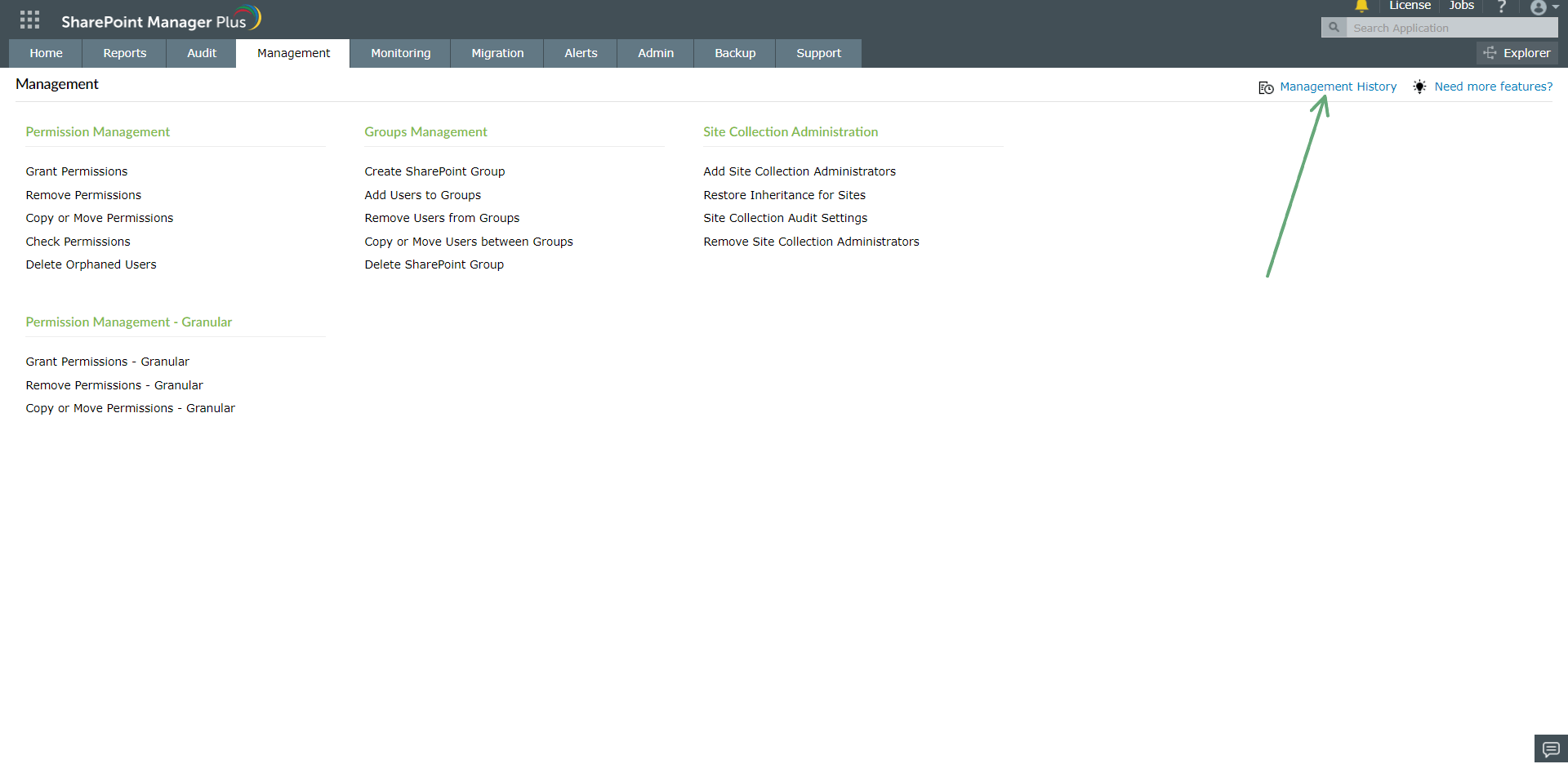
  1. Under the Management tab, click Management History (top-right).
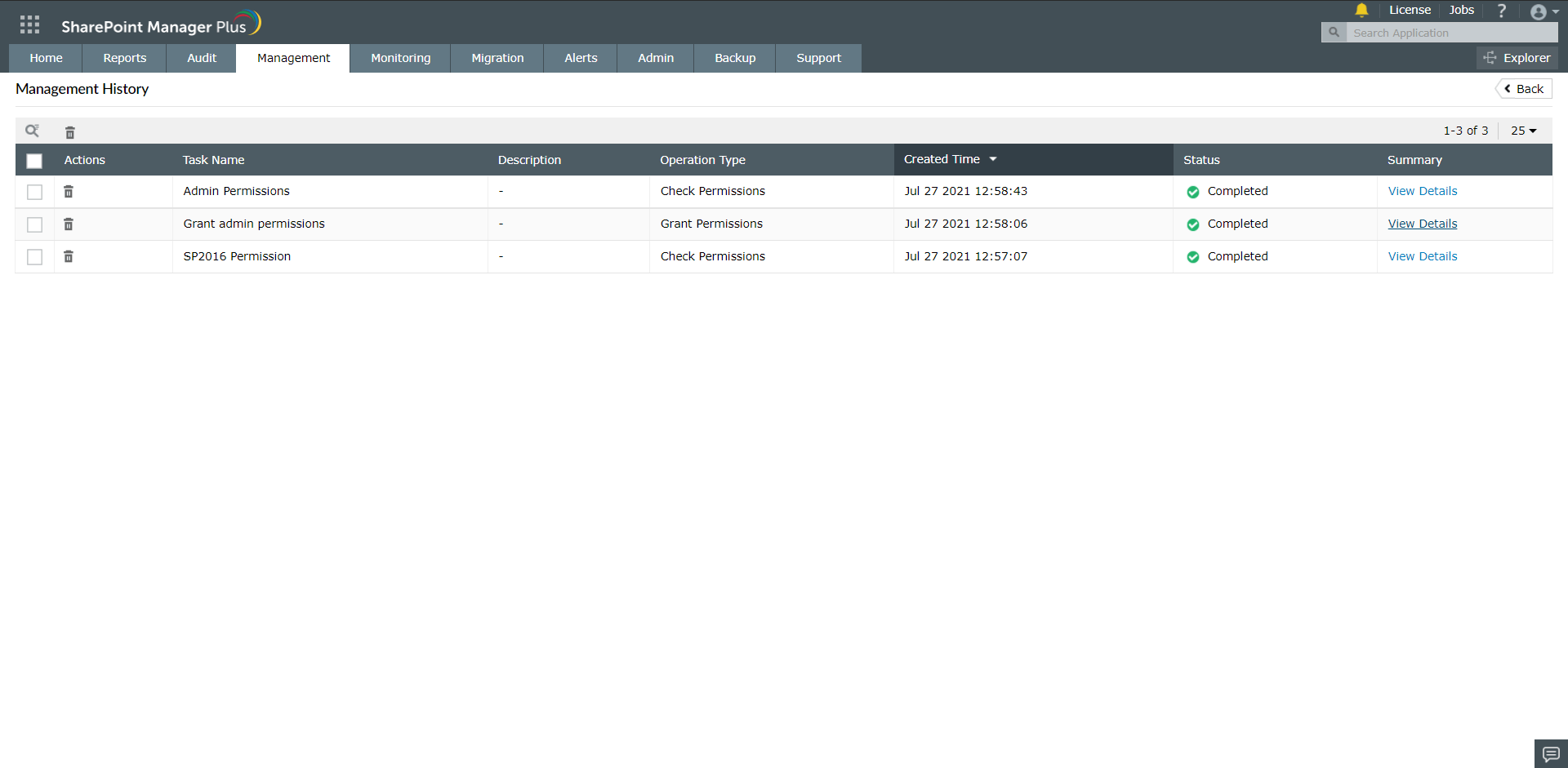
    • Shows a list of all management operations performed
  2. management-results

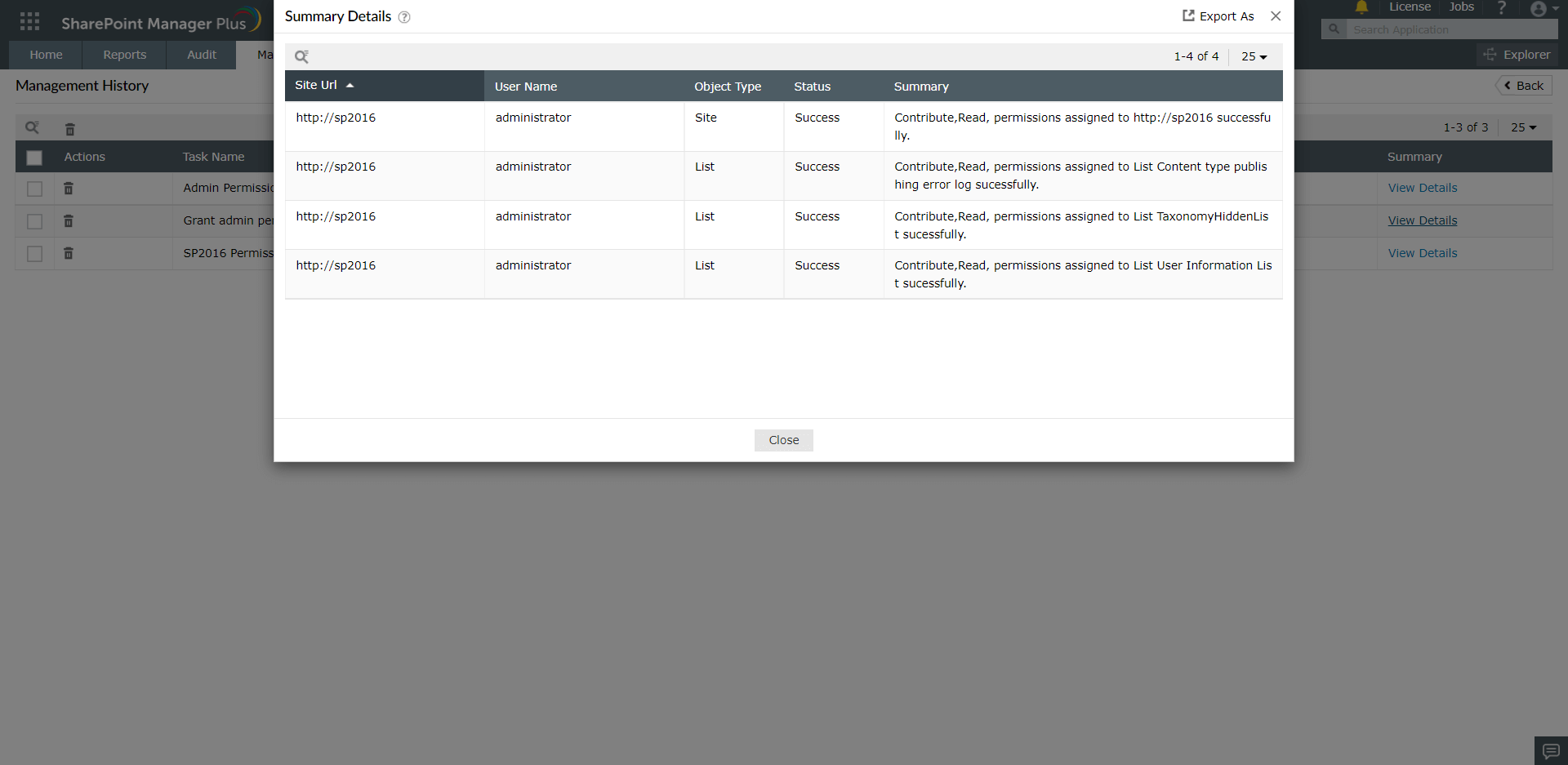
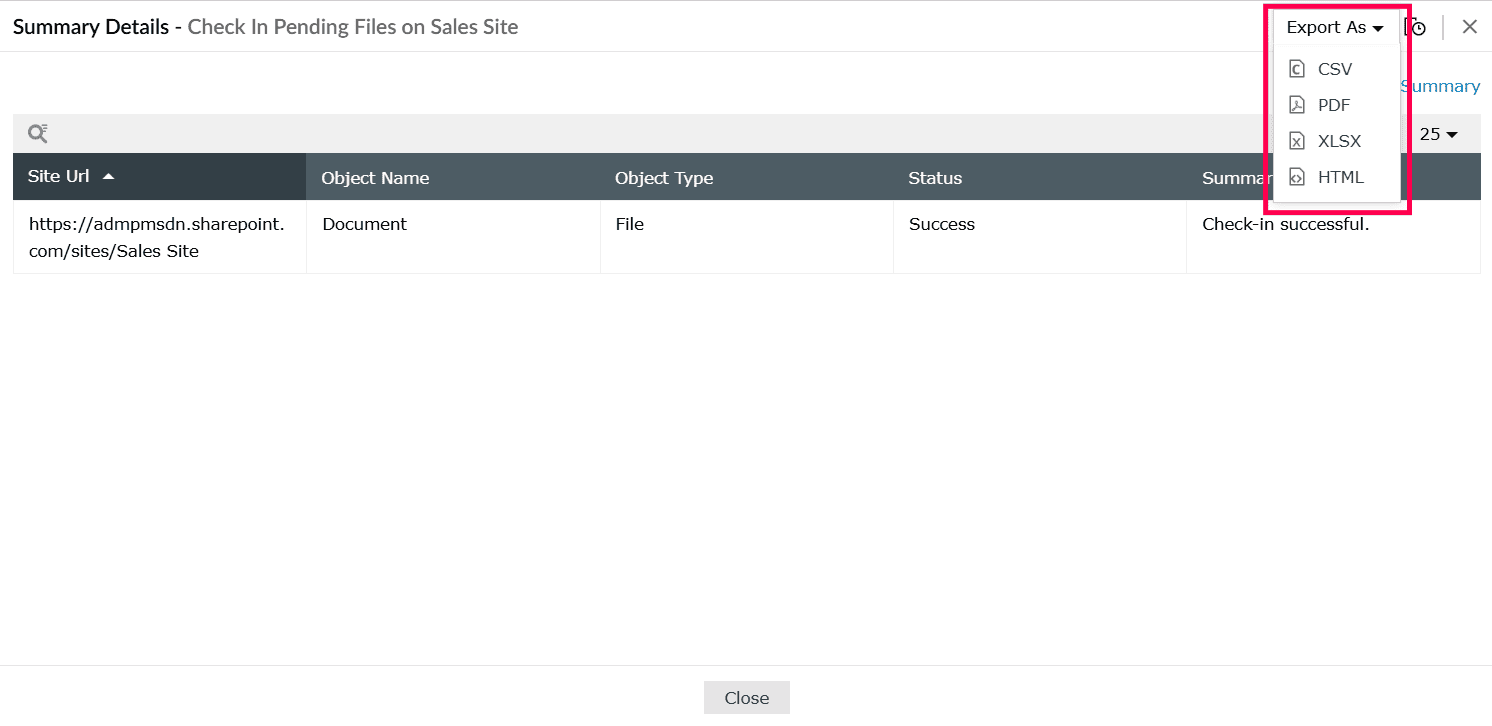
  3. Click View Details to see details of an operation. This opens the Summary Details page, which includes:
    • A table showing:
      • Site Url: SharePoint site the operation ran on
      • Object Name: Name of the object acted on
      • Object Type: File
      • Status: Success or failure
      • Summary: Outcome message, e.g., Check-in successful
    • management-results

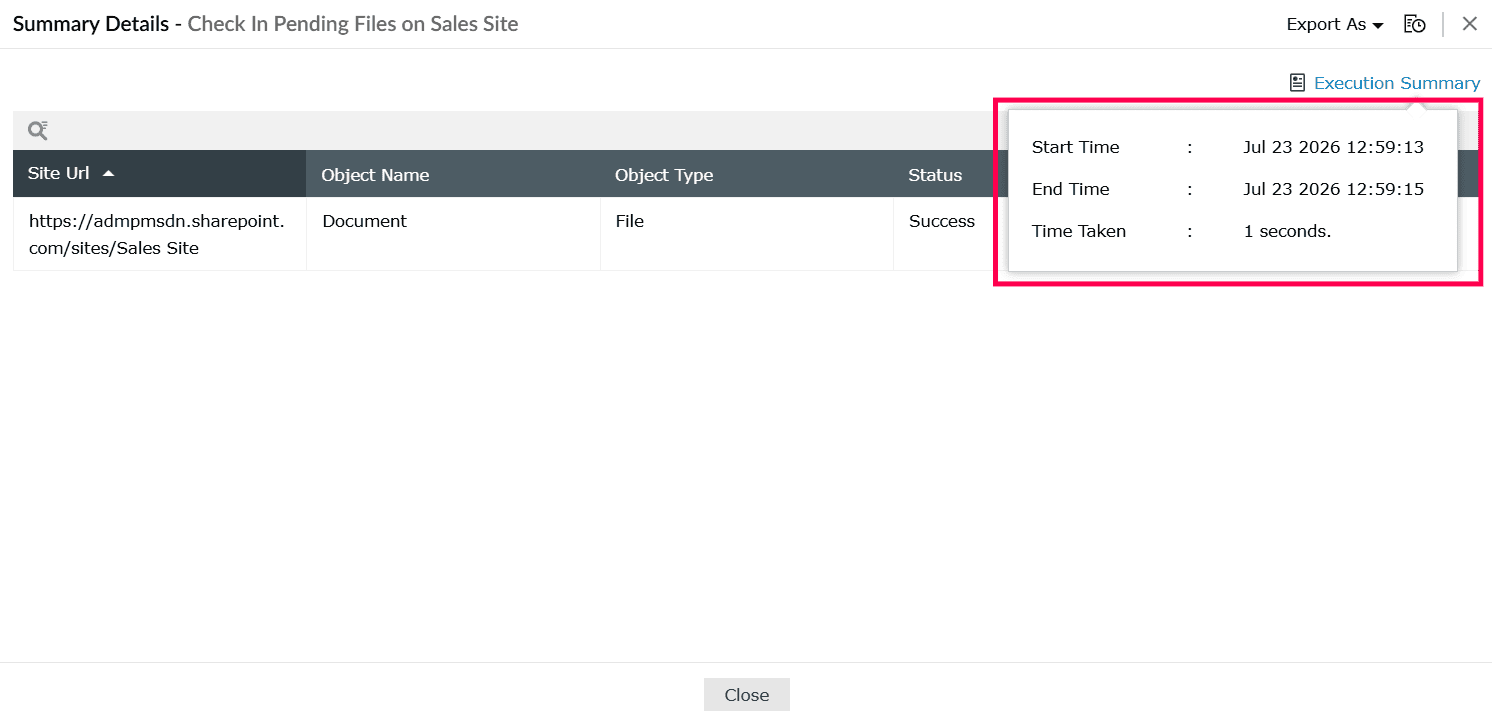
    • Execution Summary (top-right): Click to view a pop-up showing:
      • Start Time: When the operation began
      • End Time: When it finished
      • Time Taken: Total duration
    • management-results

      management-results

    • Export As (top-right): Click to export results as:
      • CSV
      • PDF
      • XLSX
      • HTML
    • management-results

Copyright © 2025, ZOHO Corp. All Rights Reserved.